WinSCP icon

WinSCP

  6.7
  • 1
  • 2
  • 3
  • 4
  • 5
  • 6
  • 7
  • 8
  • 9
  • 10
1.5
/ 1 ratings

A simple, free-to-use file transfer client for Microsoft Windows

Martin Prikryl |
updated on October 14, 2026
Download for Windows
Handling servers and data transfer in a network of computers is a daily task for many people. Plenty of companies and businesses depend on proper communication between clients and hosts, and they are often looking for a reliable tool to handle the job.

Core protocols and file management

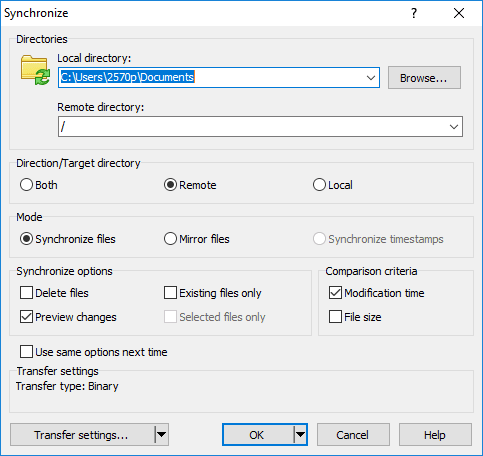
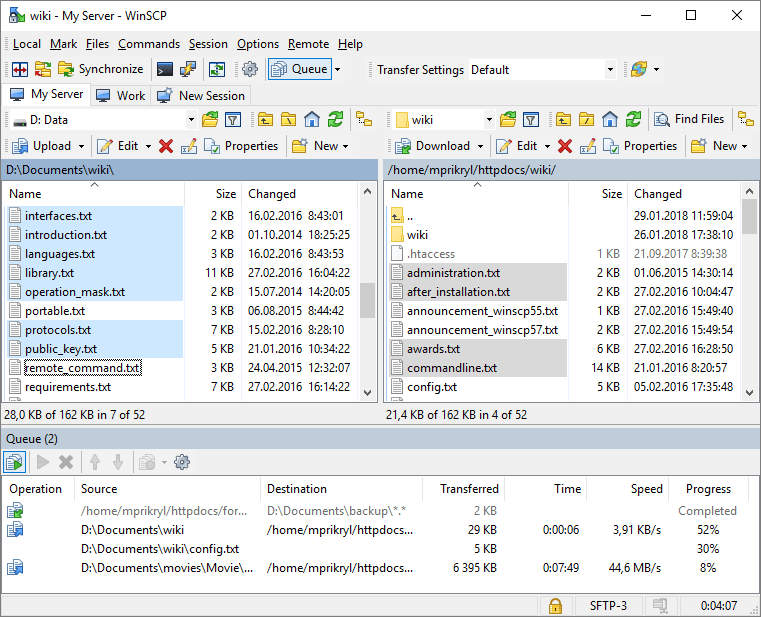
WinSCP is a free, open-source SFTP, FTP, WebDAV, Amazon S3, and SCP client for Microsoft Windows. Its main purpose is to enable file transfer between a local and a remote computer. Besides that, it offers a useful file manager for both the remote and local computers, and you can use it to synchronize files and folders remotely.

Simple interface and connection process

Its interface is very simple. The first screen that opens is the login screen where you must type in the information about the server you want to connect to. One downside is that you cannot use the program at all before you connect to a server. Make sure you save the login details for the servers you use most often!

Built-in text editor and drag-and-drop

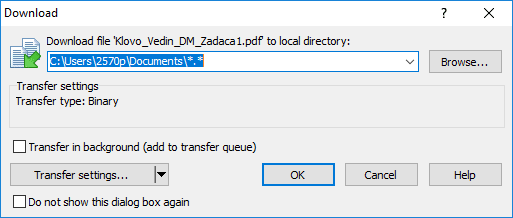
Files from remote computers can be opened directly in a text editor without having to download them to your local computer first. Also, files can be transferred between computers simply by using drag-and-drop!

Security and advanced settings

In order to prevent unwanted access to a remote computer from your own, you can set up a master password which is required to access your saved credentials. There are plenty of advanced settings to tweak if you are a professional user, but WinSCP gets the job done even if you are just a beginner!
Vedin Klovo
Vedin Klovo
App tester and reviewer
★★★★★
★★★★★
Editor's pick

Pros

  • Free and very simple to use, even for complete beginners
  • Files can be transferred easily by using drag-and-drop
  • You can set up a master password
  • Plenty of useful settings to tweak

Cons

  • Nothing in the program can be accessed before connecting to a server
  • Its design is not what you would consider modern
LicenseFree
Minimum requirements SSH server with SFTP/SCP support or FTP server or WebDAV server or Amazon S3 account
Previous versions
Operating systemWindows
Supported languagesCatalan, Chinese Simplified, Chinese Traditional, Croatian, Czech, Dutch, English, Finnish,
view more...
French, German, Hungarian, Icelandic, Italian, Japanese, Kabyle, Korean, Lithuanian, Norwegian, Persian, Polish, Portuguese PT, Romanian, Russian, Slovak, Spanish, Swedish, Turkish, Ukrainian
DownloadsTotal: 246
Last week: 2
Download for Windows